
Microsoft 365 & SharePoint
10 business systems you can run on SharePoint Online
Nov 2026 · 6 min read
Microsoft 365 & SharePoint
Nov 2026 · 6 min read
Most organizations on Microsoft 365 use SharePoint as a shared drive with a nicer address. Meanwhile, the same teams pay for separate tools to track permits, route approvals and send recognition certificates. Microsoft's own guidance treats SharePoint as a platform for sites, lists, apps and workflows, not just storage. The licences are already paid for. The work is in building the right solutions on top.
It's rarely a technology gap. Out-of-the-box SharePoint lists look plain, the default forms feel clunky, and nobody inside has time to design something better. So a department buys a point solution, then another. Each one needs its own login, security review and contract renewal. In government, each one may also need its own GCC or GCC High review.
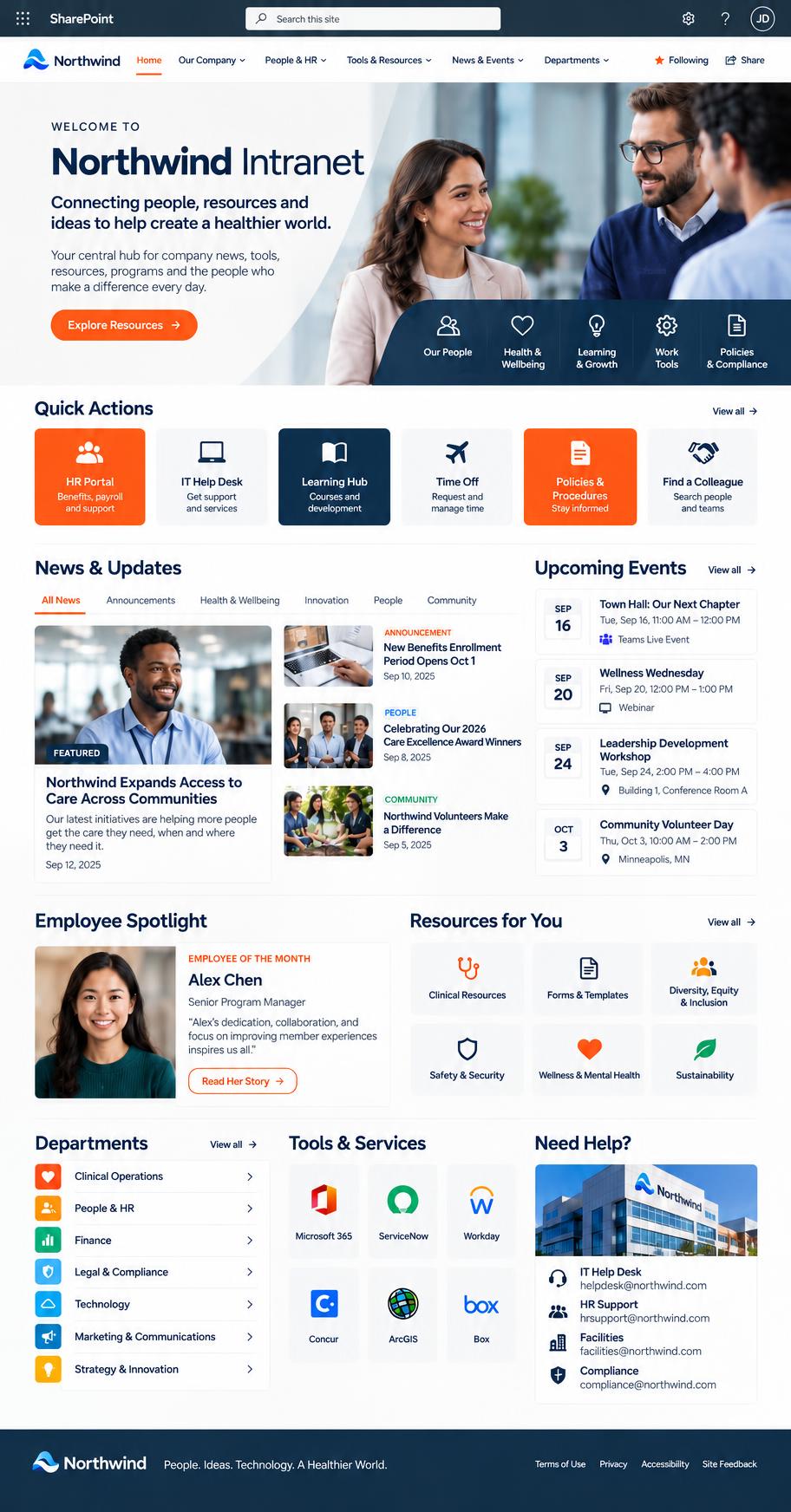
Using the SharePoint Framework (SPFx), Microsoft's Fluent UI and Power Automate, we've delivered: 1) branded home pages for healthcare, dental, state, manufacturing and marketing teams; 2) mega menus that put every page two clicks away; 3) IT access requests with step-by-step approvals; 4) refund approvals with a dated trail; 5) contract intake checklists; 6) provider enrollment records; 7) environmental permit dashboards that flag expired permits; 8) treatment plan trackers with eSignature reminders; 9) recognition hubs with a certificate designer; 10) staff directories fed from HR data.
Everything inherits the Microsoft 365 security, sign-in and compliance your organization already approved. Data stays in lists and libraries you own. Site owners change titles, sources and layouts from the page settings instead of filing a ticket. And the same build works in Commercial, GCC and GCC High tenants.
Every engagement starts with a content map: which hub owns what, which sites sit under it, and where each library lives. Microsoft recommends planning hub sites and navigation before building, and we've seen what happens when teams skip it: hundreds of sites nobody can find.
You may be ready if staff still email PDFs for approval, departments pay for tools that duplicate what Microsoft 365 can do, or nobody can find the latest version of a form. Look through the screens we've built, then tell us what you need SharePoint to do.
Microsoft Learn, "Planning your SharePoint hub sites" and "Overview of the SharePoint Framework". Microsoft 365 Government (GCC, GCC High) service descriptions.
State HR & workforce · 7 min read
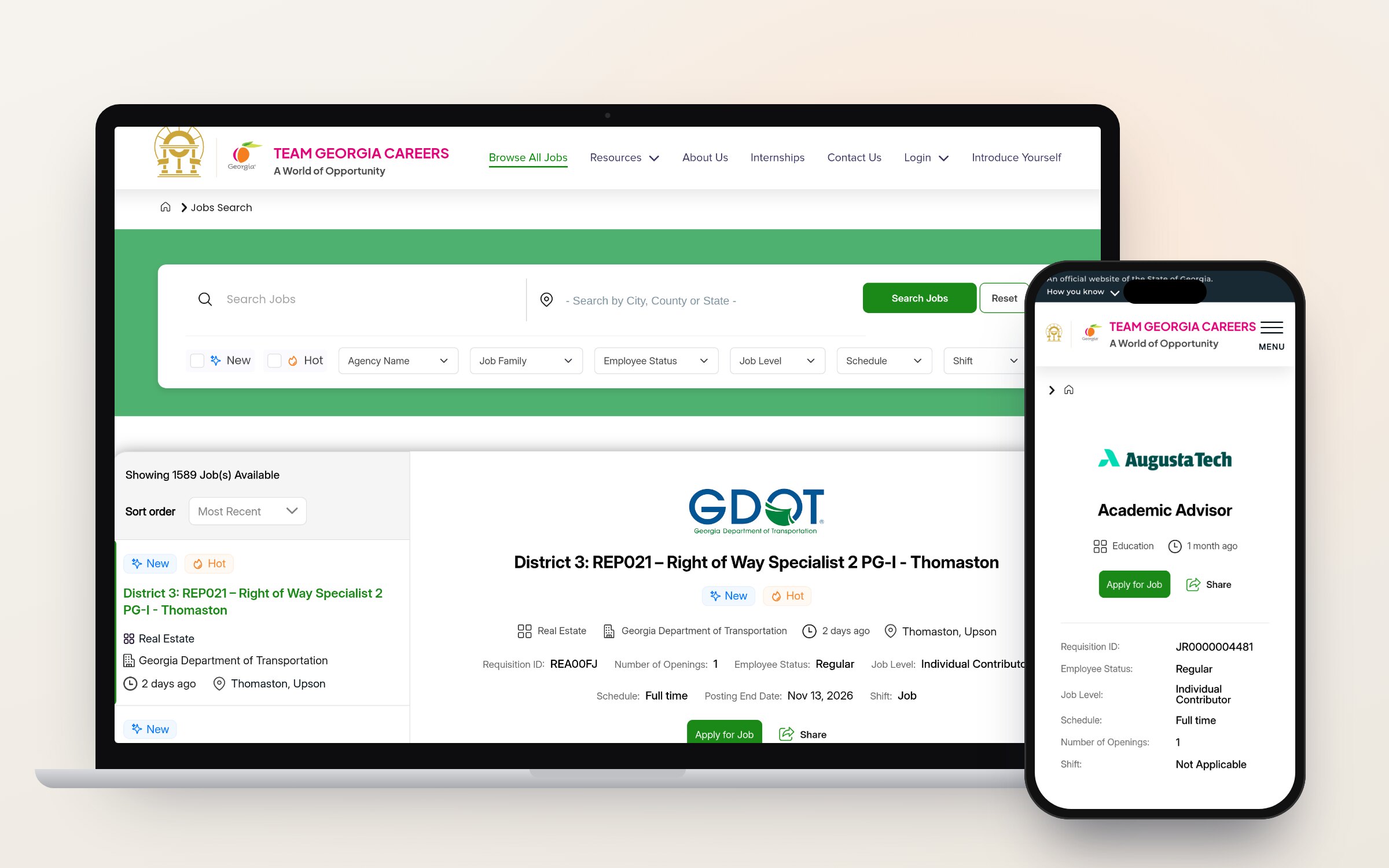
How we built a statewide careers platform that lists 1,500+ jobs from dozens of agencies, takes applications directly, and hands them off to PeopleSoft, Workday or Taleo without asking agencies to change systems.
State digital services · 6 min read
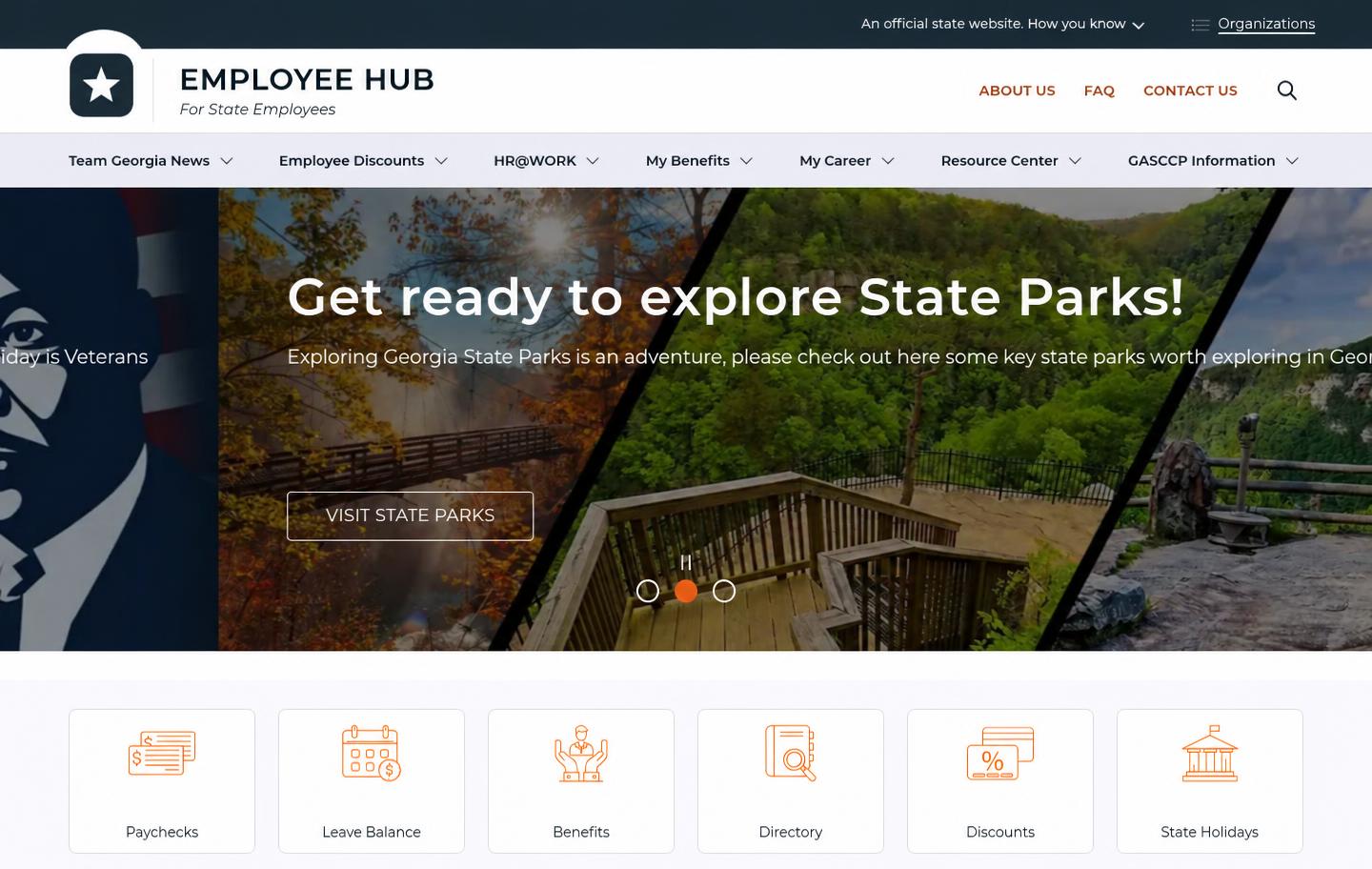
Separate agency websites mean separate hosting bills, separate security patches and separate accessibility fixes. Here's how a shared Drupal platform gives every agency its own site while the state maintains one.
Healthcare operations · 6 min read
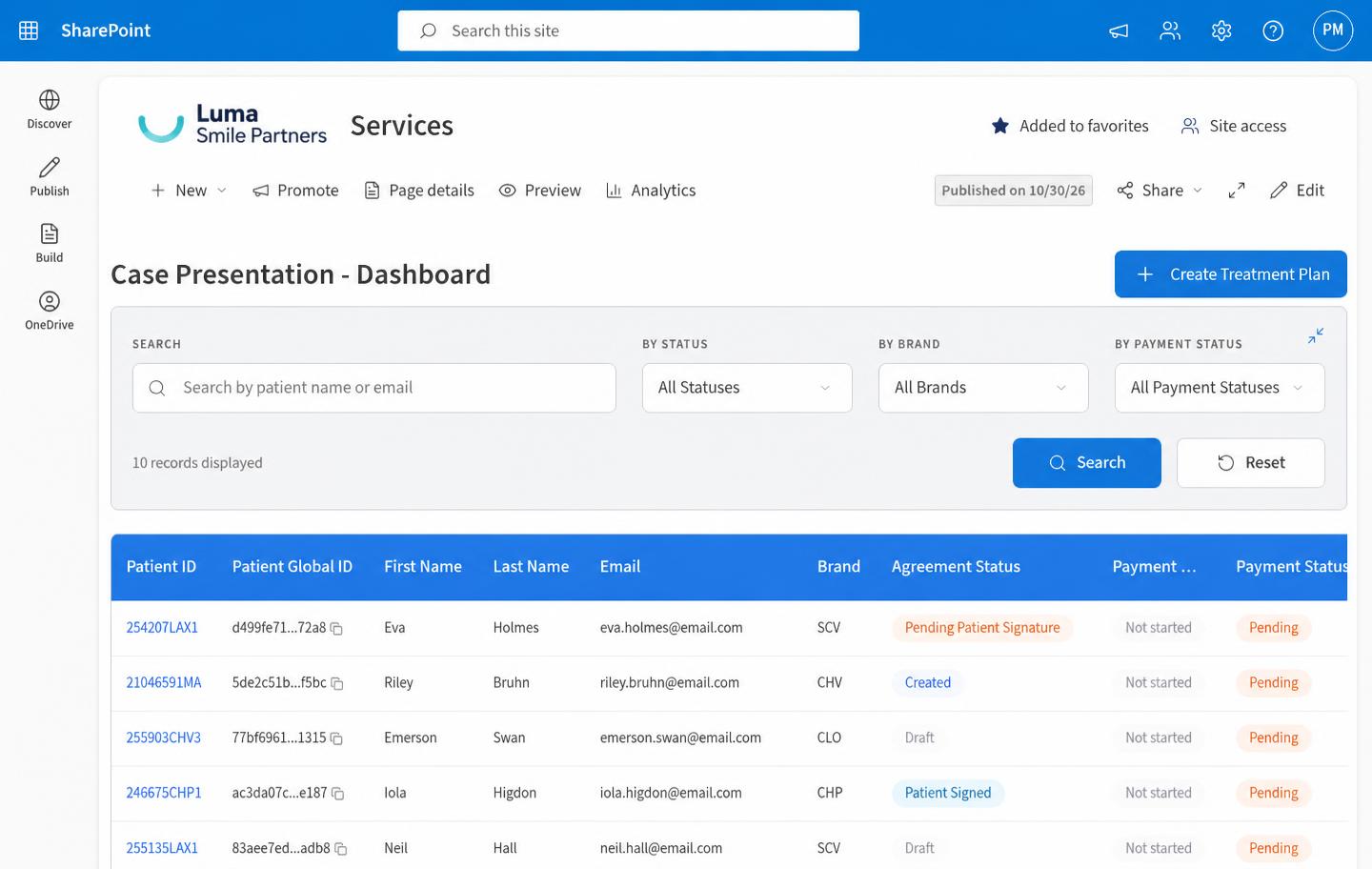
Fast-growing dental groups buy practices faster than they can unify how those practices work. How one connected platform replaced paper intake, scattered consent forms and spreadsheet credentialing across every brand.